 Add to Firefox
 Add to Chrome

A lightweight sidebar extension for working with math, on any page, in any tab.
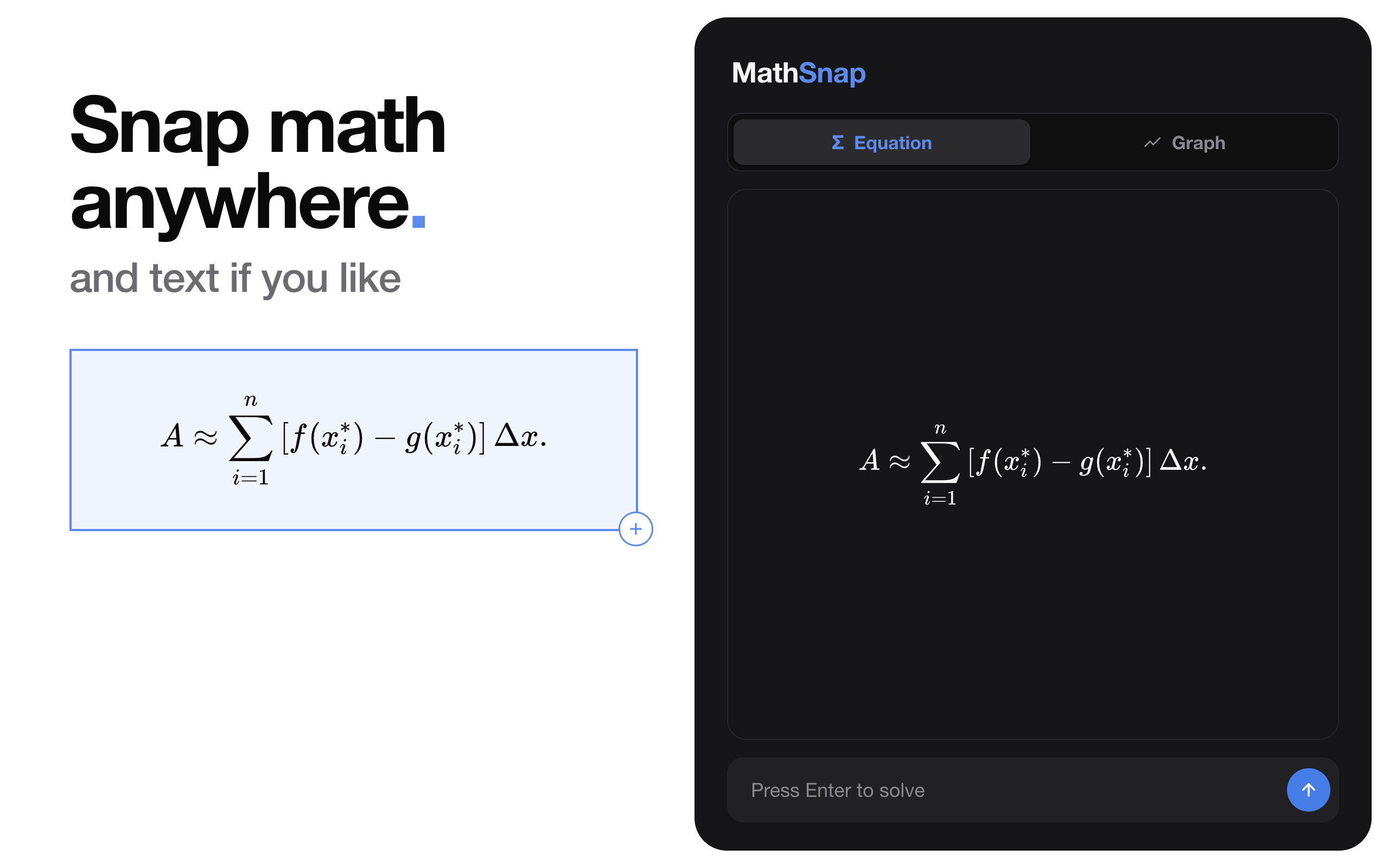
Hold Alt and drag to capture any equation, graph, or block of text from webpages, PDFs, or images. Copy clean LaTeX or the snap image to your clipboard in one click.
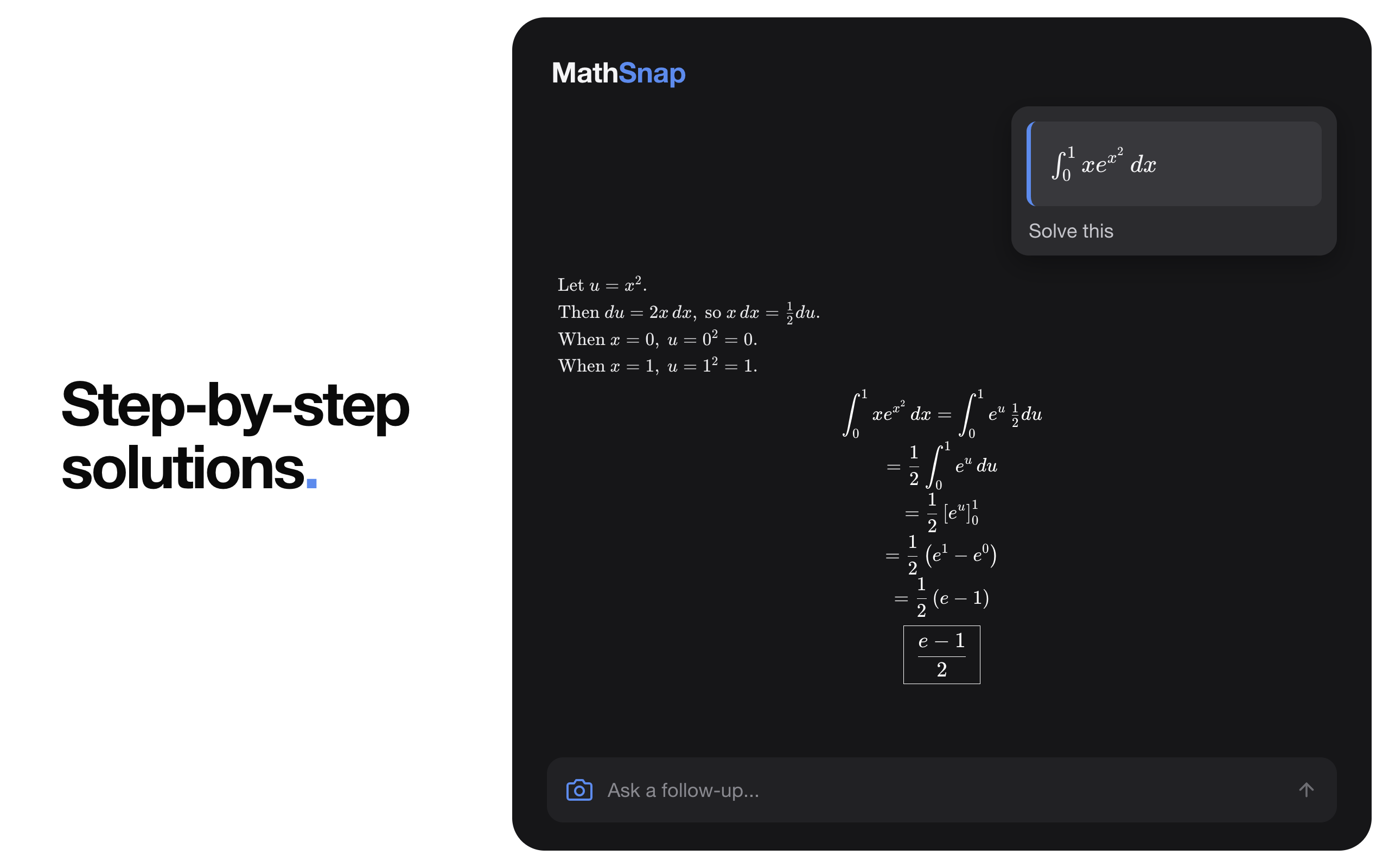
Get a full step-by-step AI solution right in your sidebar. Ask follow-up questions and keep the conversation going without losing your place on the page.
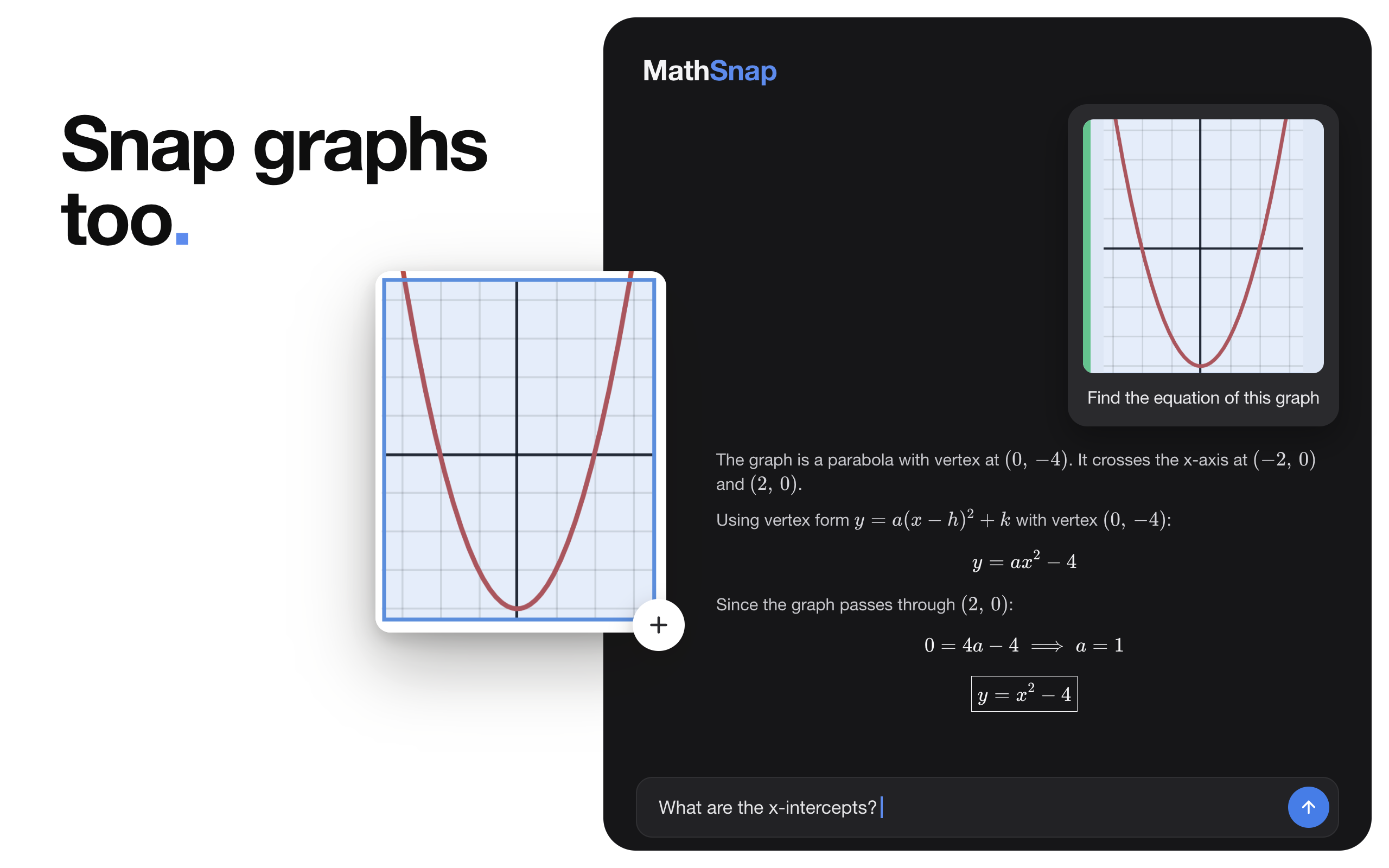
Capture any graph or diagram for instant AI analysis. MathSnap works through whatever's on screen: equations, curves, geometry, or complex diagrams.
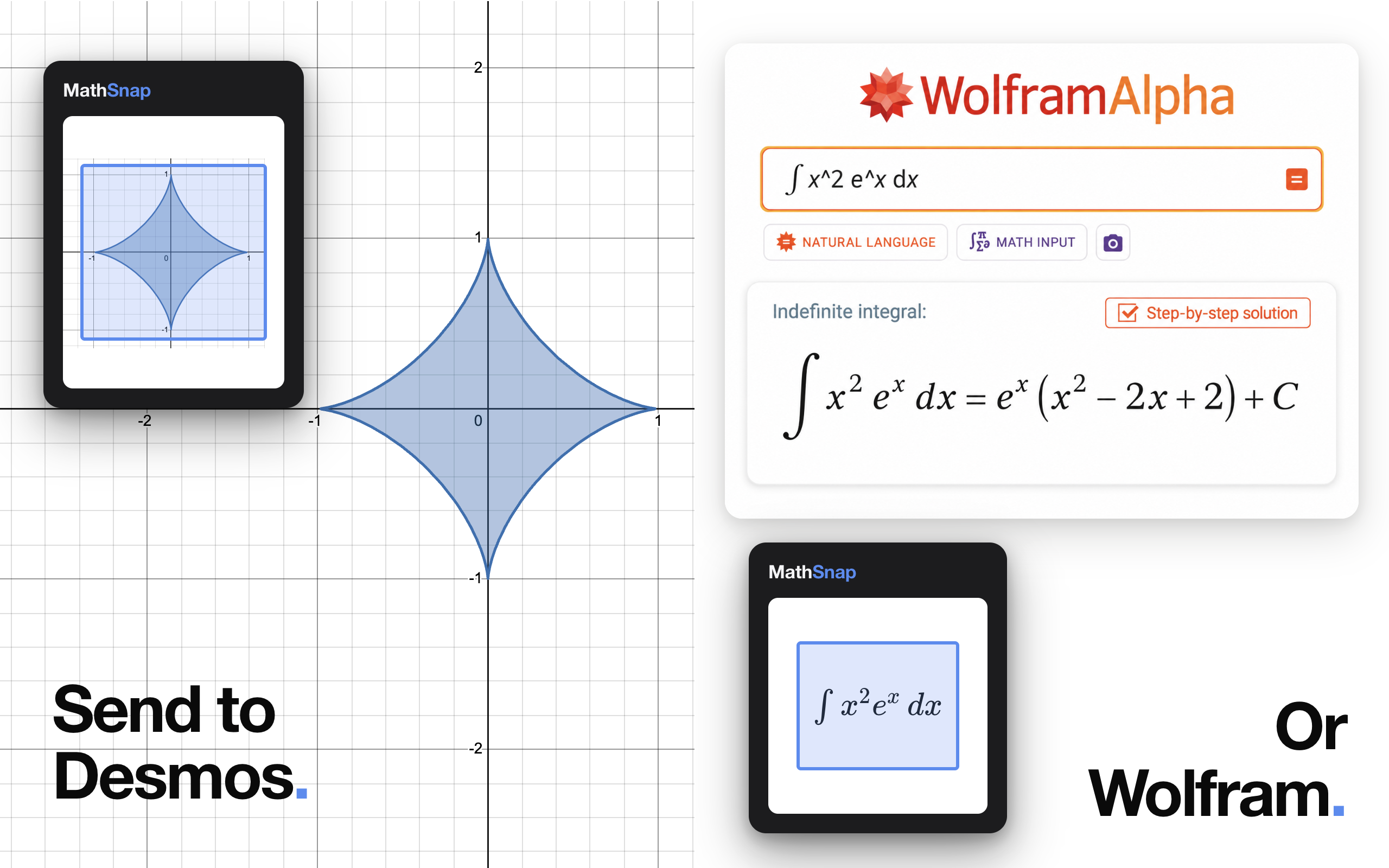
Send any equation to WolframAlpha or any graph to Desmos in one click, right from the sidebar, without copying and pasting anything.
Up and running in under a minute.
Works seamlessly over Canvas, web portals, PDFs, and locked-down e-textbooks.
Select any equation, graph, or block of text. LaTeX is automatically copied to your clipboard.
Hit Enter for a step-by-step AI explanation, or push the problem directly to Desmos and Wolfram.